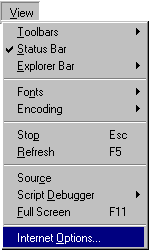
1. Change the Internet Options
Select View, then Internet Options from the Internet Explorer menu.
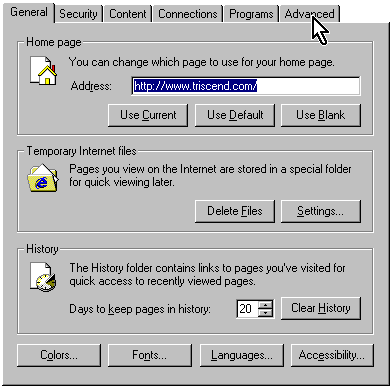
2. Click on Advanced Options
Click on the Advanced tab in the upper right corner of the dialog box.
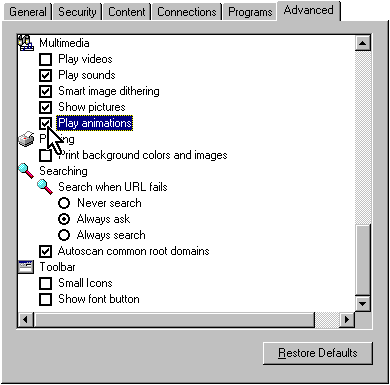
3. Change the Multimedia Options
From within the Advanced tab, find the Multimedia settings. Click on the check boxes next to the following selections:
- Show pictures
- Play animations